Sovereignty is the starting point in almost all our conversations with larger organisations. Where data is processed, and under which jurisdiction, is often the first question, and for many it rules out most of the alternatives on the market.
But to move from requirements to production, Berget AI must also work in everyday use: employees need to log in through their own identity provider, IT needs control over keys and permissions, and finance needs invoices the same way as from any other supplier. This practical side of sovereignty has been one of our main focus areas over the past few months.
An important step was becoming ISO 27001 certified in November (here is how we did it). On our new security page, we describe how we approach this security work. But much of the work has been about the platform itself. You may already have noticed some of these changes. Here, we bring them together and show how they fit as a whole.
The right permissions for every role
You have previously been able to have multiple users on the same account. Until now, everyone has had the same permissions and could do everything.
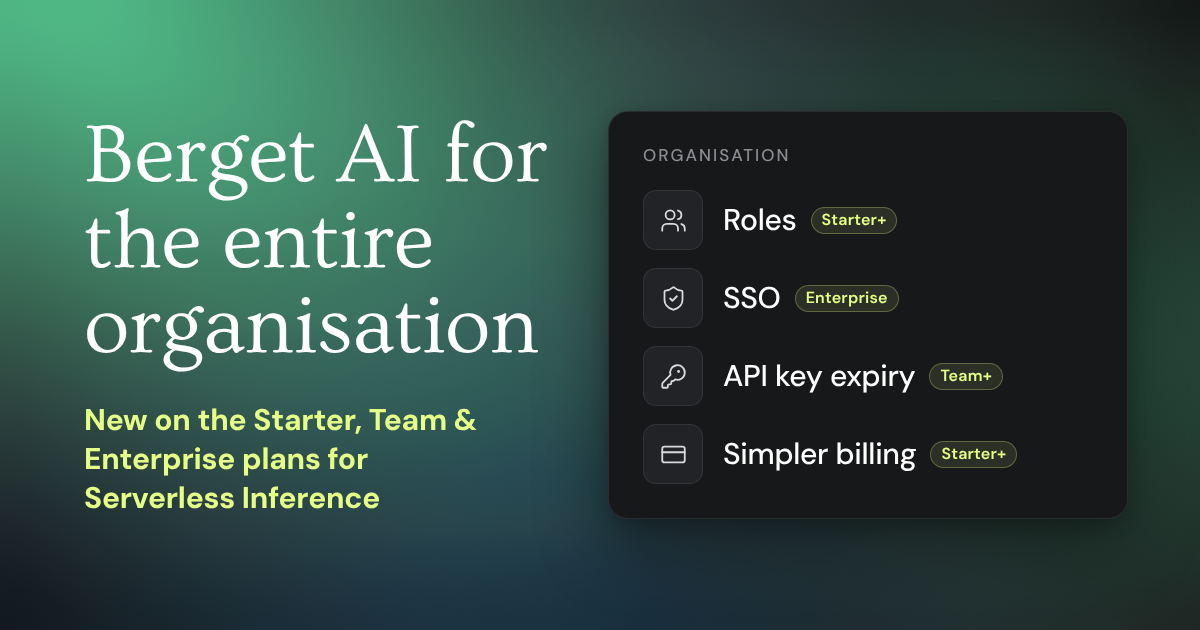
Now there are roles. Members use the platform and create API keys. Admins also control billing and who is in the organisation. The owner can do all of that, plus delete the entire organisation if needed. Starter fits three users, Team up to 20, and Enterprise is unlimited. On Enterprise, you also get more granular roles and permissions.

The complete permissions matrix is also available in the User management documentation.
Log in the way you already do
On the Enterprise plan, you can now use SSO (single sign-on) with OIDC (OpenID Connect) and SAML 2.0 (Security Assertion Markup Language). Your employees log in to Berget AI with the same account as in the rest of the organisation, for example via Microsoft Entra ID or Okta.
When someone leaves and their account is closed on your end, their access to Berget AI disappears at the same time. No one needs to remember to log in to yet another system to revoke it.
Keys that do not live forever
An API key without an expiry date is a common security risk. It can be left behind in a configuration file, an old pipeline, or with a consultant who left a year ago.
From the Team plan and upwards, you can now set an expiry date on keys, both when creating them and later. To rotate a key, delete the old one and create a new one, either in Console or through the API. We document both API calls and expiry-date management in the API reference.

Invoices that work for the finance department
We already support invoicing and Peppol, the European network for e-invoicing, for enterprise customers. For many public sector organisations and larger companies, this is a practical requirement for buying anything at all.
From Starter and upwards, invoices and receipts are now available in the console. You can download each invoice as a PDF directly from the Billing page, without having to email us to ask for it.
A more user-friendly console
The console has a completely new interface with improved usability across both UI and UX. Under the hood, we have rebuilt large parts and moved to our own design system, making it faster, more stable, and more consistent.
You can now create support tickets directly in the console. The model catalogue shows whether a model is in preview, has a planned upgrade, or is being phased out. If the model is in production, the last one matters more than it might sound.
As part of this, there is also a playground where you can test models directly in the browser. You can follow model reasoning, transcribe speech through your microphone in real time, and copy ready-made code examples in curl, Python, or Node.js when you want to take the next step.
Which option is right for you?
Everything above applies to serverless inference, where GPU capacity is shared. On our pricing page, you can compare the plans and see what is included at each level. If you need reserved capacity and an isolated environment, read more about Dedicated Inference. We design that environment together with you based on your requirements.
Sovereignty starts with where data is processed. But it only becomes practical across the organisation when the platform works with its security, administration, and everyday workflows. That is the transition these changes are about.