Behind the Scenes: How We Optimize Our AI Models

Co-founder & CPTO
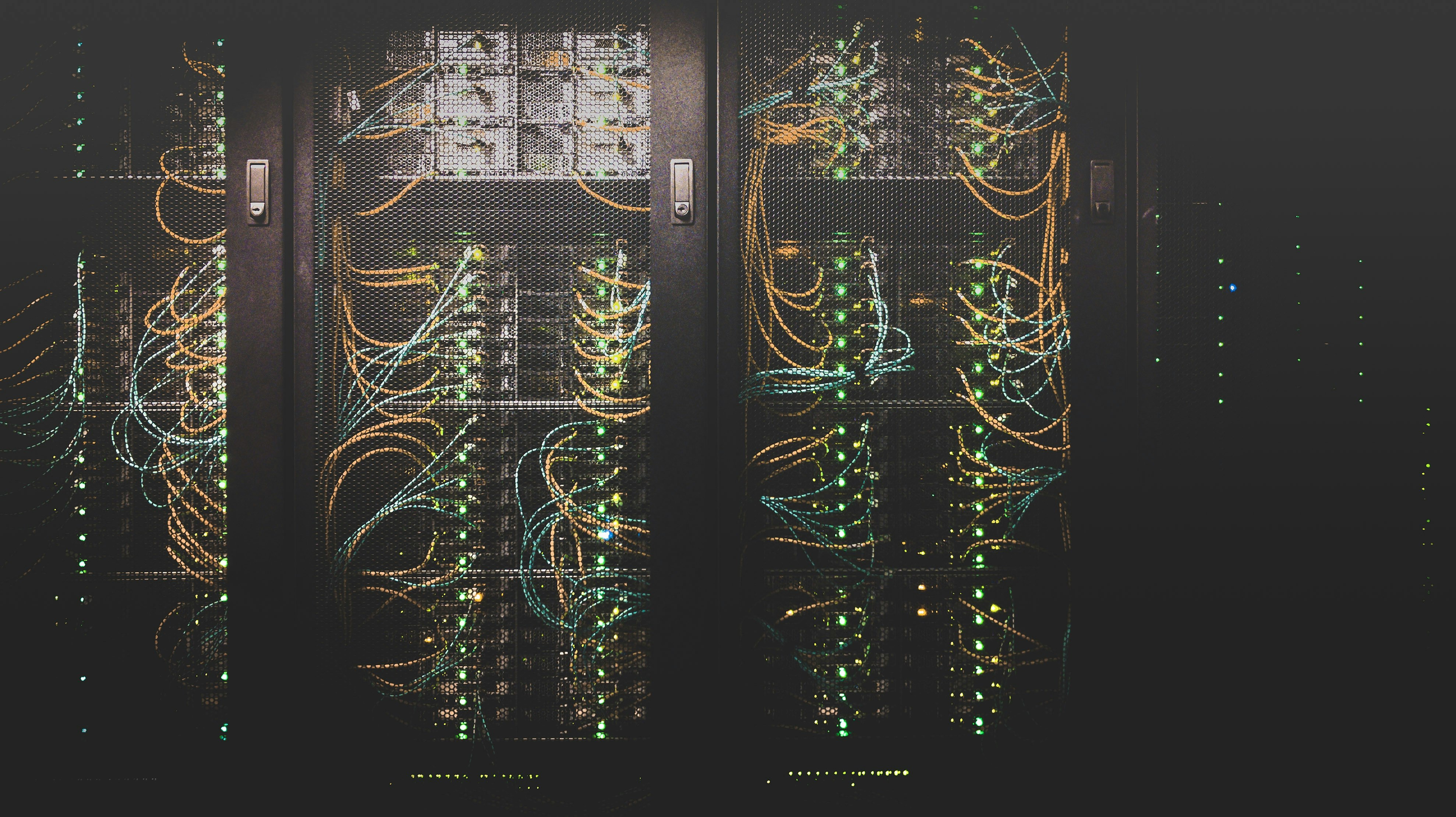
When we at Berget AI build our infrastructure to run large language models (LLMs), we face an interesting challenge: How do we fit as many powerful models as possible on our hardware, while ensuring fast response times and high availability? In this article, we share our experiences and techniques for optimizing memory usage for our AI models.

Our Hardware Infrastructure: AMD MI300x
The core of our infrastructure is AMD's latest accelerator for AI workloads, the MI300x. These powerful GPUs have several advantages compared to traditional alternatives:
- Enormous memory: Each MI300x has 192 GB of HBM3 memory, which is crucial for running large models
- High bandwidth: Up to 5.3 TB/s memory bandwidth enables fast data access
- Energy efficiency: Better performance per watt compared to many competing solutions
- ROCm platform: Open source that gives us flexibility to adapt and optimize
This hardware gives us the ability to run multiple large models in parallel, but it requires careful optimization to utilize resources efficiently. We currently have eight MI300x accelerators in our production environment, giving us a total of 1.5 TB of GPU memory to work with.
The Challenge: Balancing Multiple Models on Limited Hardware
Despite the impressive memory on our MI300x accelerators, 192 GB is not always enough to run the largest models with full precision and maximum context length. Additionally, we want to run multiple models in parallel to offer our customers a diversity of specialized tools.
Here are some of the challenges we face:
- Varying model sizes: From 8 billion parameters (Llama-3.1-8B) to 70 billion (Llama-3.3-70B)
- Different use cases: Some models need to handle long contexts, others prioritize fast inference
- Varying load: Some models are used intensively, others more sporadically
- Specialized needs: Embedding models, rerankers, and multimodal models have different requirements
Key Factors for Memory Optimization
Through extensive testing, we have identified several key factors that affect memory usage and performance for our models:
1. GPU Memory Utilization
One of the most important parameters we adjust is --gpu-memory-utilization, which controls how much of the GPU memory vLLM (our inference engine) is allowed to use. This is not an exact science, but rather a balancing act:
- Too low value: Wastes available memory, limits model performance
- Too high value: Risks "out of memory" errors when load increases
We have developed a strategy where we adapt this value based on the model's size:
- Small models (under 10B parameters): 0.5 (50%)
- Medium-sized models (10-30B parameters): 0.6-0.7 (60-70%)
- Large models (over 30B parameters): 0.8-0.9 (80-90%)
A practical example is our Llama-3.1-8B model, which we run with --gpu-memory-utilization 0.5. This gives us sufficient performance while freeing up memory for other processes on the same GPU, such as our Whisper model for speech recognition.
2. Context Length (max-model-len)
The context length – how much text the model can "remember" during a conversation – has a direct impact on memory usage. Longer context requires more memory for the KV cache (key-value cache).
We've discovered that many use cases don't actually require extremely long contexts. By adapting the context length to actual needs, we can save significant amounts of memory:
- Devstral-Small: We increased from 32768 to 80000 tokens to handle code generation with long contexts
- Qwen3-32B: We limited to 8192 tokens to balance performance and memory usage
- Llama-3.1-8B: No explicit limitation needed for this smaller model
An interesting case was when we got the error "The model's max seq len is larger than the maximum number of tokens that can be stored in KV cache". By adjusting both GPU memory usage and max-model-len, we could solve the problem without compromising the user experience.
3. Tensor Parallelism
For very large models, we use tensor parallelism – splitting the model across multiple GPUs. This is particularly useful for models that are too large to fit in the memory of a single GPU.
Our Llama-3.3-70B model is a borderline case. With 70 billion parameters, it takes up almost the entire memory of an MI300x (97% usage), but we can still run it on a single GPU. For even larger models, like Qwen3-235B (which we currently have disabled), we would need to use tensor parallelism across multiple GPUs.
4. Data Type and Quantization
The choice of data type has a significant impact on memory usage:
- float32: Highest precision, but twice as memory-intensive as float16
- float16/bfloat16: Good balance between precision and memory usage
- int8/int4: Greatly reduced memory usage through quantization
We use bfloat16 for most of our models, including Gemma-3, as it provides a good balance between precision and memory efficiency. For our largest model, MAI-DS-R1, we use quantization (GGUF format) to make it fit on our GPUs.
Practical Examples: How We Balance Models on Our GPUs
Let's look at some concrete examples of how we have optimized our model placement:
GPU 0: Balancing Language Model with Speech Recognition
On GPU 0, we run both our Llama-3.1-8B model and KB-Whisper-Large for speech recognition. By adjusting the GPU memory usage for Llama to 0.5 (50%), we free up enough memory for the Whisper model, which requires about 1.5 GB.
This is a good example of how we combine models with different use cases on the same GPU to maximize resource utilization.
GPU 1: Code Generation and Developer Tools
On GPU 1, we run both DeepCoder-14B and Devstral-Small, two models optimized for code generation. By carefully adjusting memory parameters, these models can coexist on the same GPU:
- DeepCoder-14B:
--gpu-memory-utilization 0.5 - Devstral-Small:
--gpu-memory-utilization 0.5 --max-model-len 80000
This combination gives us redundancy for code generation tasks and enables A/B testing of different models for the same use case.
GPUs 2 and 3: Dedicated to Large Models
Some models are so large that they need a dedicated GPU. Our Llama-3.3-70B model uses 97% of the memory on GPU 2, which doesn't leave room for other models.
On GPU 3, we run several smaller but important models:
- Mistral-Small-24B: ~24 GB
- Docling: ~1 GB
- BGE-Reranker: ~3 GB
- Multilingual-E5: ~1.5 GB
By combining these models on one GPU, we can offer a complete RAG pipeline (Retrieval-Augmented Generation) on a single GPU.
GPUs 4, 5, and 6: Distributed Multimodal Model
Our largest model, MAI-DS-R1, is so extensive that it's distributed across three GPUs (4, 5, and 6) with tensor parallelism. This multimodal model can handle both text and images and requires significant computational resources.
GPU 7: Future-Proofing with Gemma-3
On GPU 7, we run Google's Gemma-3 model with dtype bfloat16 for optimal performance. We've partially reserved this GPU for testing new models before they go into production.
Lessons Learned and Best Practices
After months of optimization and fine-tuning, we've gathered valuable insights:
- Start conservatively: Begin with lower GPU memory usage and increase gradually
- Monitor continuously: Use tools like
rocm-smito monitor memory usage in real-time - Test under load: Memory usage can increase dramatically under high load
- Document everything: Keep detailed documentation of which parameters work for each model
- Plan for redundancy: Have backup models for critical functions
Future Optimizations
We continue to explore new ways to optimize our infrastructure:
- Automatic scaling: Dynamically allocate GPU resources based on demand
- Adaptive quantization: Adjust precision based on task complexity
- Continuous model rotation: Load and unload models based on usage patterns
- Specialized hardware: Explore new accelerators for specific workloads
Conclusion: The Art of Balancing
Optimizing memory usage for large language models is as much art as science. It's about finding the perfect balance between performance, availability, and resource efficiency.
With our AMD MI300x infrastructure, we've managed to create a flexible and powerful platform that can handle everything from small specialized models to enormous multimodal systems. Through careful optimization of memory parameters, we can offer our customers a diversity of AI models without compromising on performance or reliability.
Our journey with memory optimization continues, and we look forward to sharing more insights as we continue to explore the boundaries of what's possible with modern AI infrastructure.
Want to know more about our technical infrastructure or how we can help your company with AI implementations? Contact us for a discussion.